Workflow
Road Editing
Any change of road can take a while if it is done in a subscene, so make changes to the road in the main scene for Editor performance reasons:
Steps
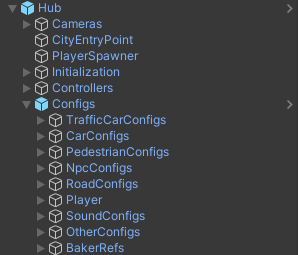
Open the Hub in the scene.
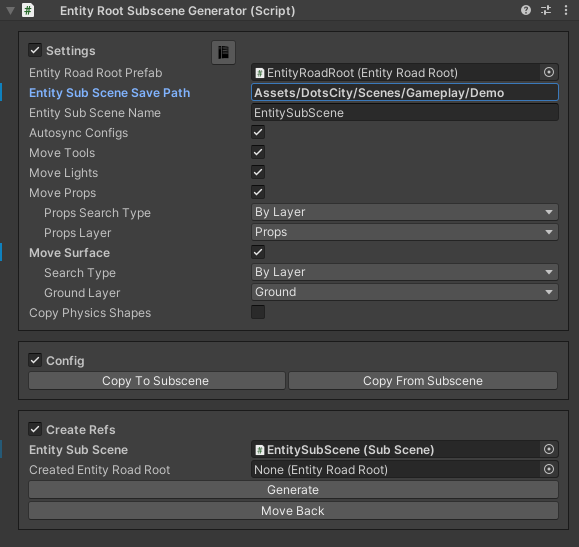
Select the Entity Subscene Generator.
Click Move Back button to move road from subscene to main scene.
Make any change in the road.
Bake the road.
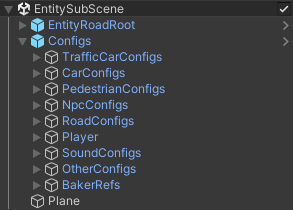
Click Generate button in the Entity Subscene Generator.
Config Editing
There are 2 variants to edit configs: